
Importing Supplier Price Lists Pro Max
CoreQuote can import your supplier’s price lists directly into your materials library — saving hours of manual data entry when prices change.
How to Import a Price List
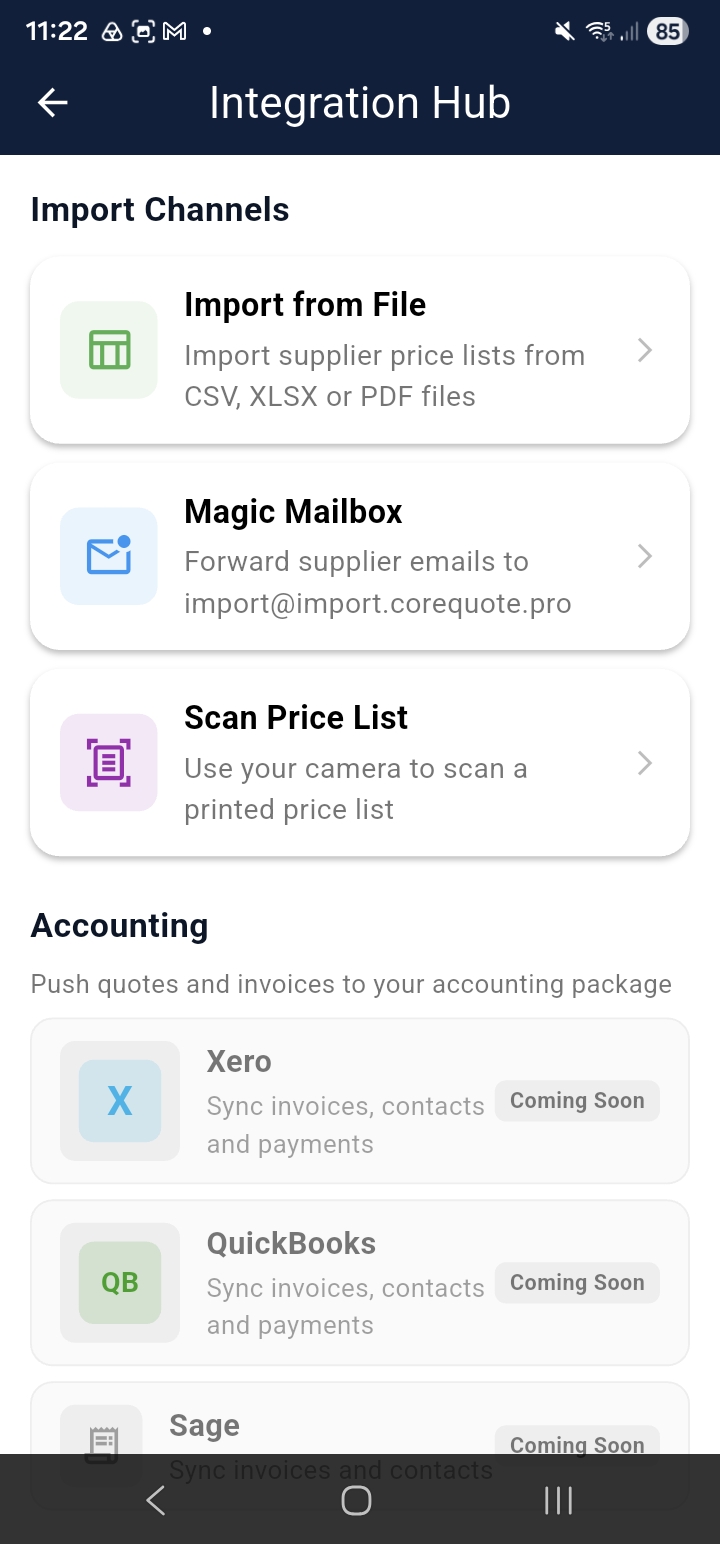
From the home screen, tap Integration Hub. You’ll see the available import methods:
File Upload
Upload a PDF or CSV price list directly from your device. CoreQuote extracts item names, SKUs, and prices automatically.
Camera Scan
Point your camera at a printed price list or catalogue page. CoreQuote’s OCR reads the items and prices and adds them to your import queue for review.
cq-help-import-02-scan.pngMagic Mailbox Max
Forward supplier emails containing price lists directly to your Magic Mailbox address. CoreQuote processes them automatically and adds items to your review queue. See the Magic Mailbox guide for setup.
Reviewing the Import Queue
After uploading, CoreQuote shows an Import Queue where you review and approve the extracted items before they’re added to your materials library. This lets you catch any errors in the extraction before they affect your quotes.
cq-help-import-03-queue.png