
📹 Video Guides — Materials, Products & Rates
Setting up your materials library
How to create a product
Importing price lists & bulk price adjustment
Materials, Products & Rates
Your pricing library is the foundation of fast quoting. Set it up once and you’ll select items from the library rather than typing prices from scratch on every job.
Materials
Materials are physical items you supply as part of a job — pipes, cable, timber, paint, and so on.
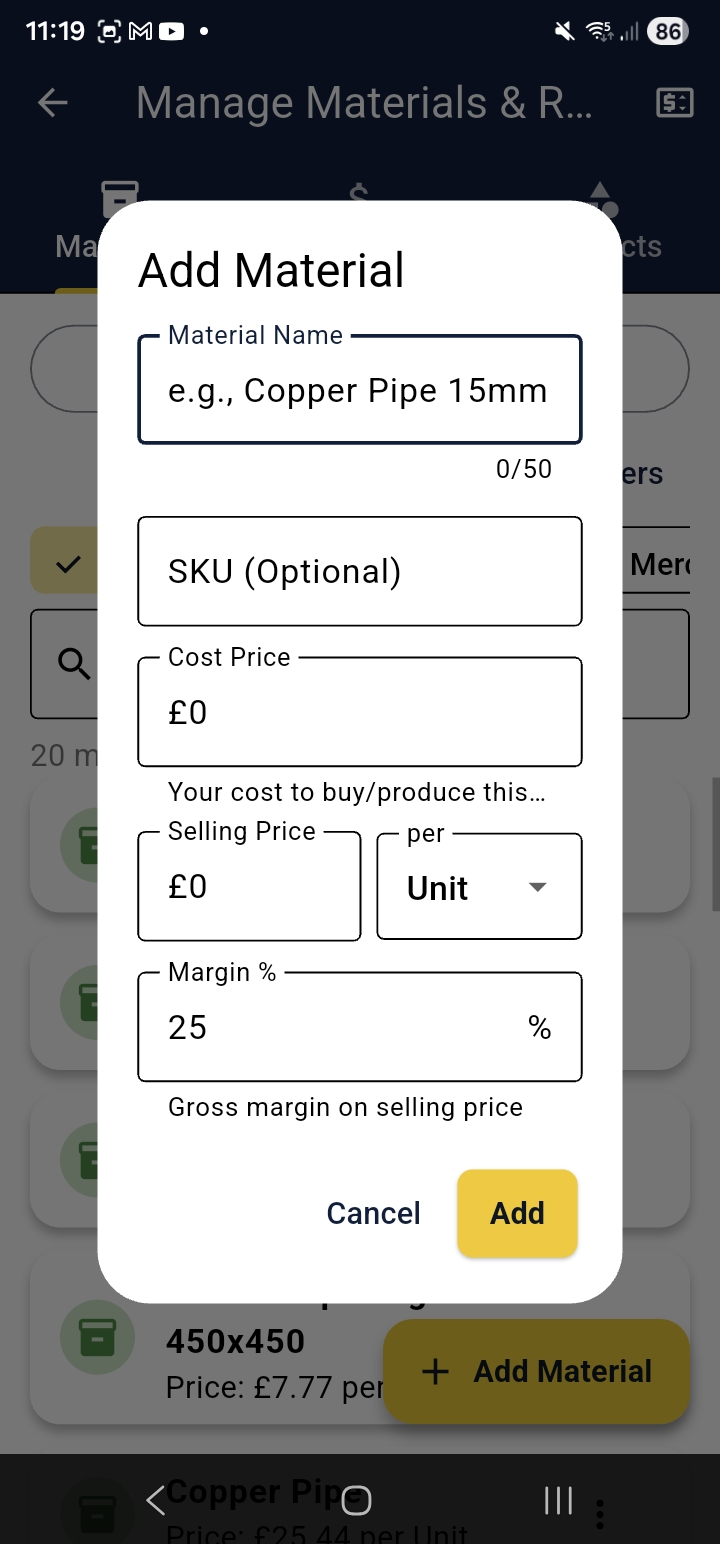
Adding a Material
- Tap Manage Materials, Products & Rates from the home screen
- Select the Materials tab
- Tap the + button
- Enter name, unit price, unit of measure, and optionally SKU and supplier
- Tap Save
Bulk Price Adjustment
Long-press one or more materials to select them, then tap the +/− symbol at the top right to apply a percentage increase or decrease. If no materials are selected, the adjustment applies to all of them — useful when a supplier puts prices up.
cq-help-mpr-02-bulk-adjust.pngProducts
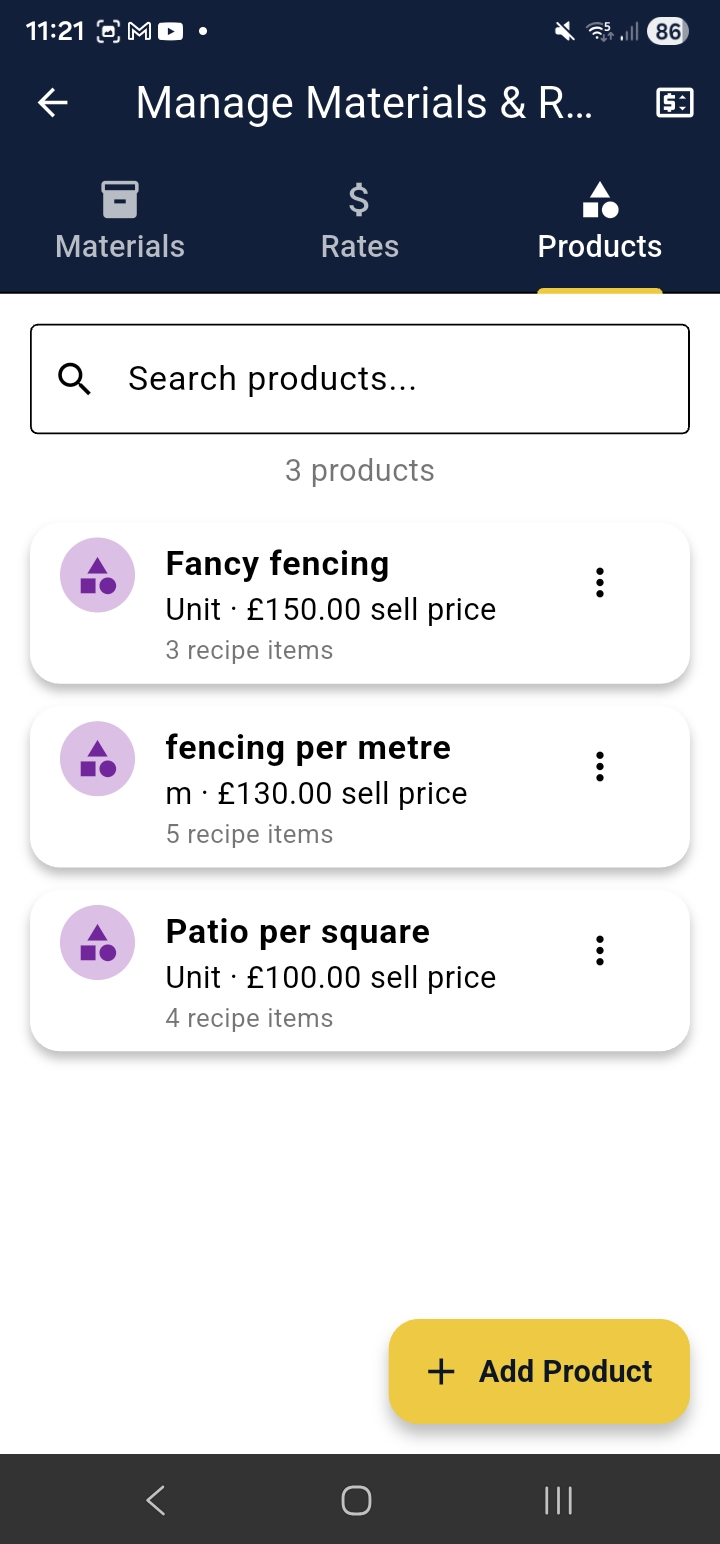
Products are fixed-price items or bundles you sell — for example “Full Boiler Service — £350” or “Patio per square metre”. They appear in the quote line picker alongside materials and are great for jobs you quote regularly at a set price.
cq-help-mpr-03-products.pngLabour Rates
Rates define your labour pricing. Add as many as you need — Standard Day Rate, Emergency Call-Out, Apprentice Rate, etc. Each rate can be set as hourly or daily.
cq-help-mpr-04-rates.png