
Magic Mailbox Max
Magic Mailbox lets you import supplier price lists automatically by simply forwarding their emails to a special CoreQuote address. No manual upload required.
⚠️ Note: Magic Mailbox is available on the Max plan only. Upgrade to Max →
How It Works
- CoreQuote gives you a unique Magic Mailbox email address
- When your supplier sends a price list, forward that email to your Magic Mailbox address
- CoreQuote automatically extracts item names, SKUs, and prices from the attached PDF or spreadsheet
- Extracted items appear in your Import Queue for review before being added to your library
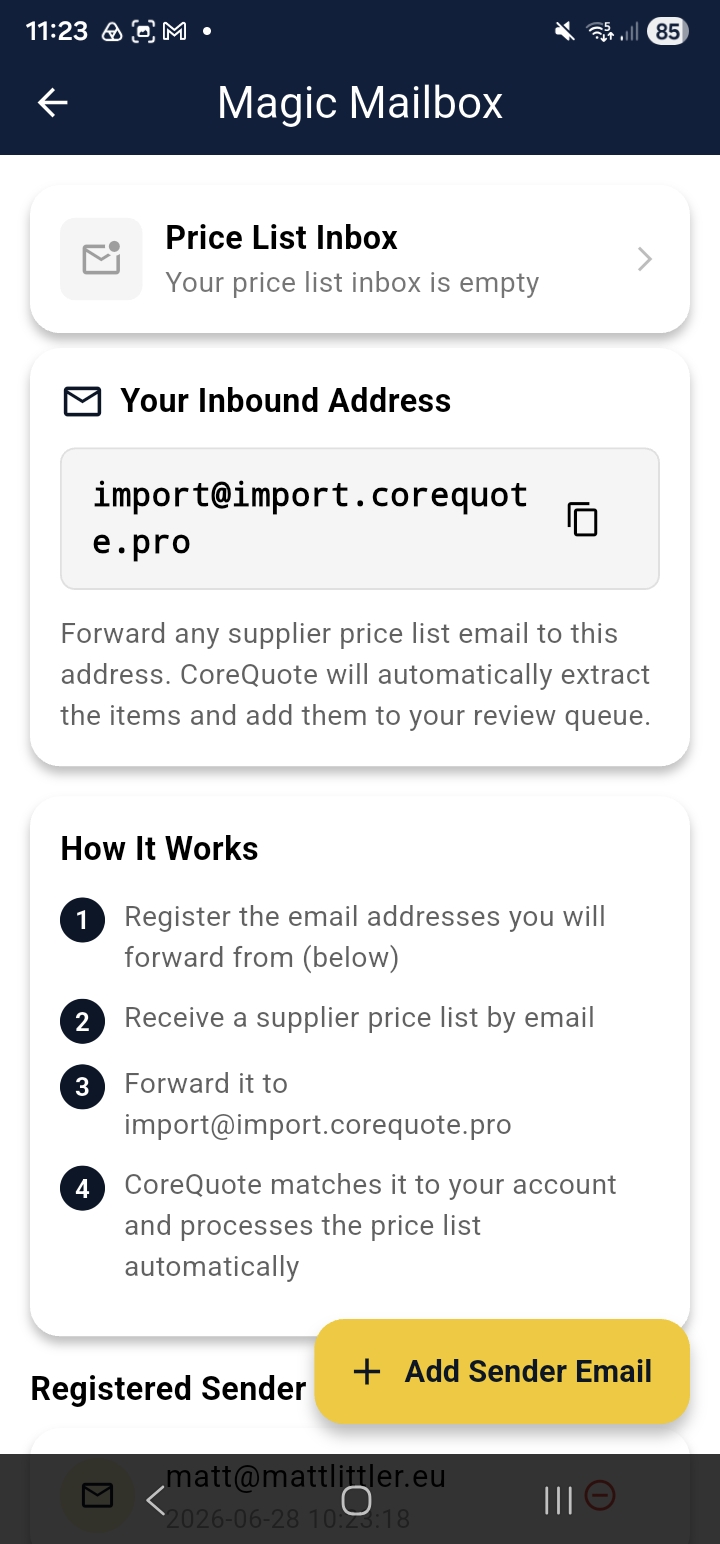
Setting Up Sender Addresses
For security, CoreQuote only processes emails from registered sender addresses. In Integration Hub → Magic Mailbox, tap Add Sender and enter the email address your supplier sends from.
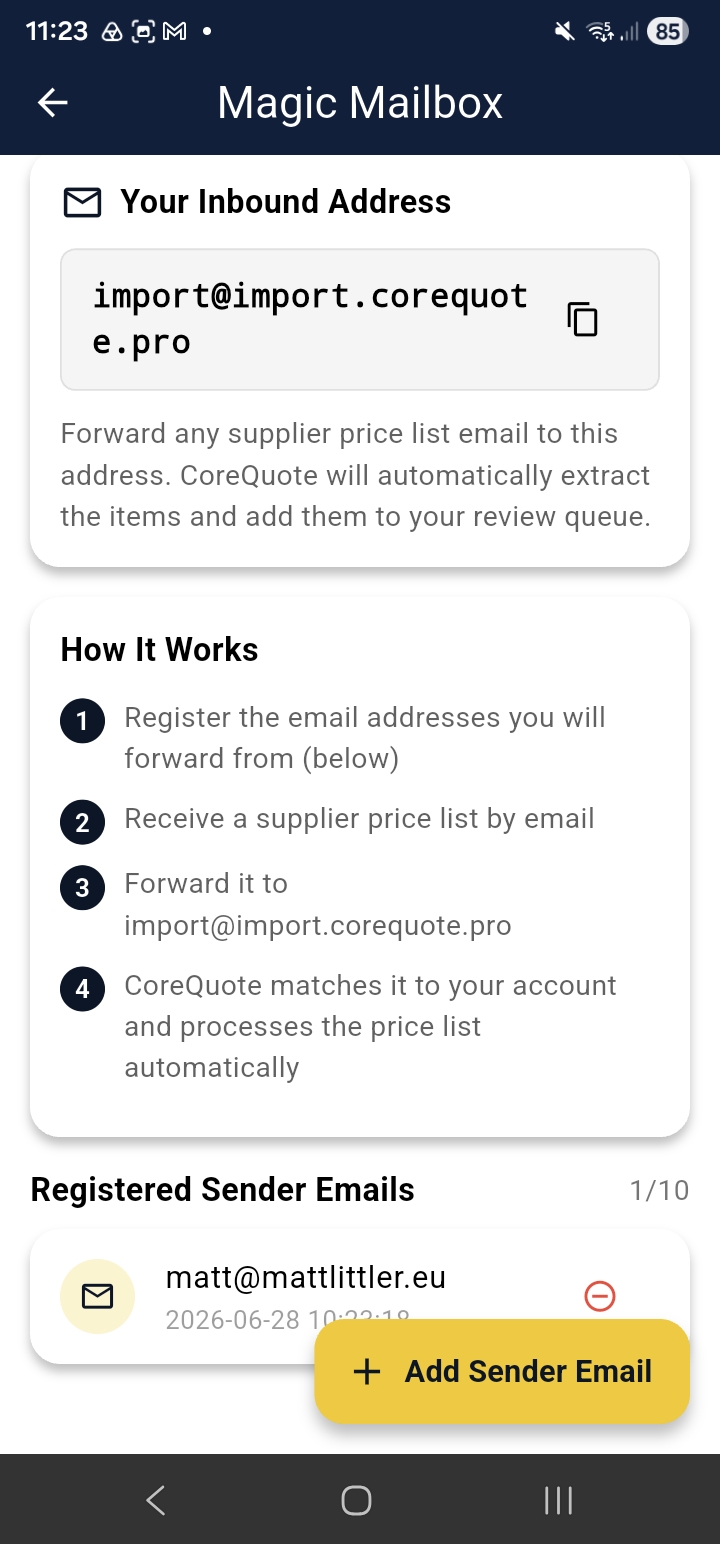
💡 Tip: Add all the “from” addresses your supplier uses — some suppliers send from different addresses for invoices vs price lists.
Reviewing Imported Items
After CoreQuote processes the email, items appear in your Import Queue. Review each item — check names, prices, and units — and approve or reject before they’re added to your materials library.
📱 Screenshot: Import Queue showing items from a forwarded supplier email
cq-help-mailbox-03-queue.pngTroubleshooting Magic Mailbox
- If items don’t appear, allow a few minutes — complex PDFs take longer to process
- Confirm the sending address is registered as a Sender in Integration Hub
- Check your Import Queue — items may be there waiting for review