
Company Settings & Branding
Manage everything about your company from Manage Company on the home screen.
Company Details
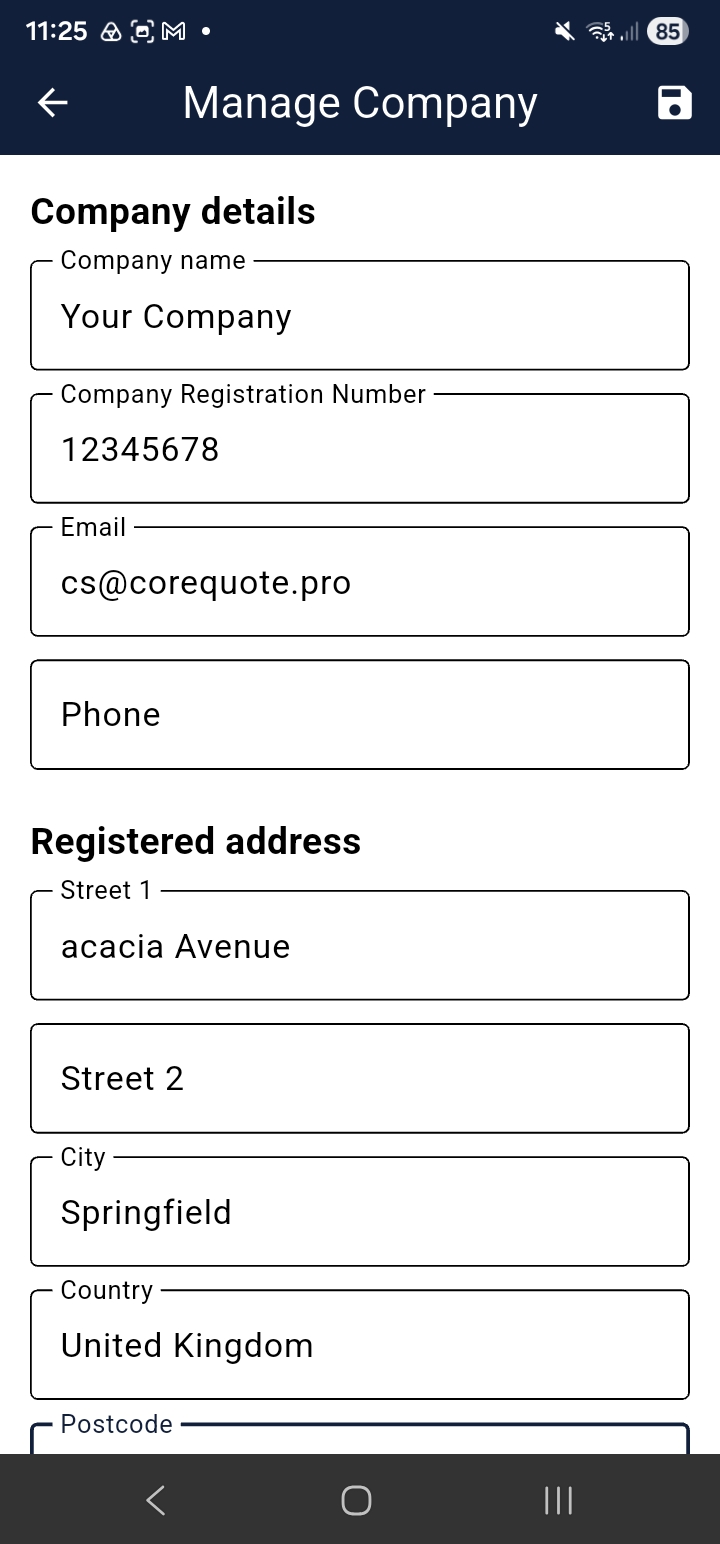
Update your company name, email, phone, company registration number, registered address, and trading address at any time.
Banking Details
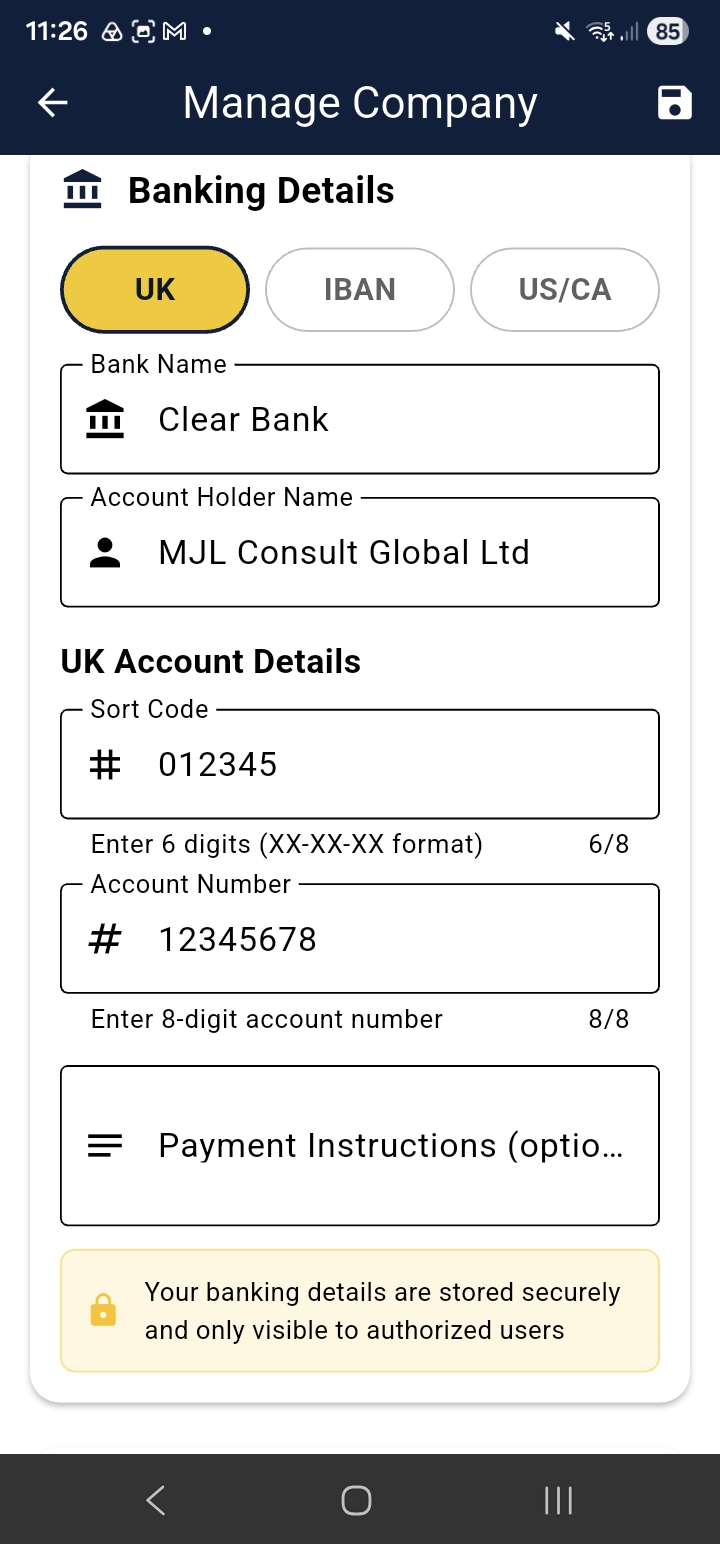
Your banking details appear on every invoice you send — so customers know exactly how to pay you. Supported formats:
- UK — Sort Code & Account Number
- EU — IBAN & BIC/SWIFT
- US / Canada — Routing Number & Account Number
You can also add a Payment Reference instruction (e.g. “Please include invoice number in your payment reference”).
Branding
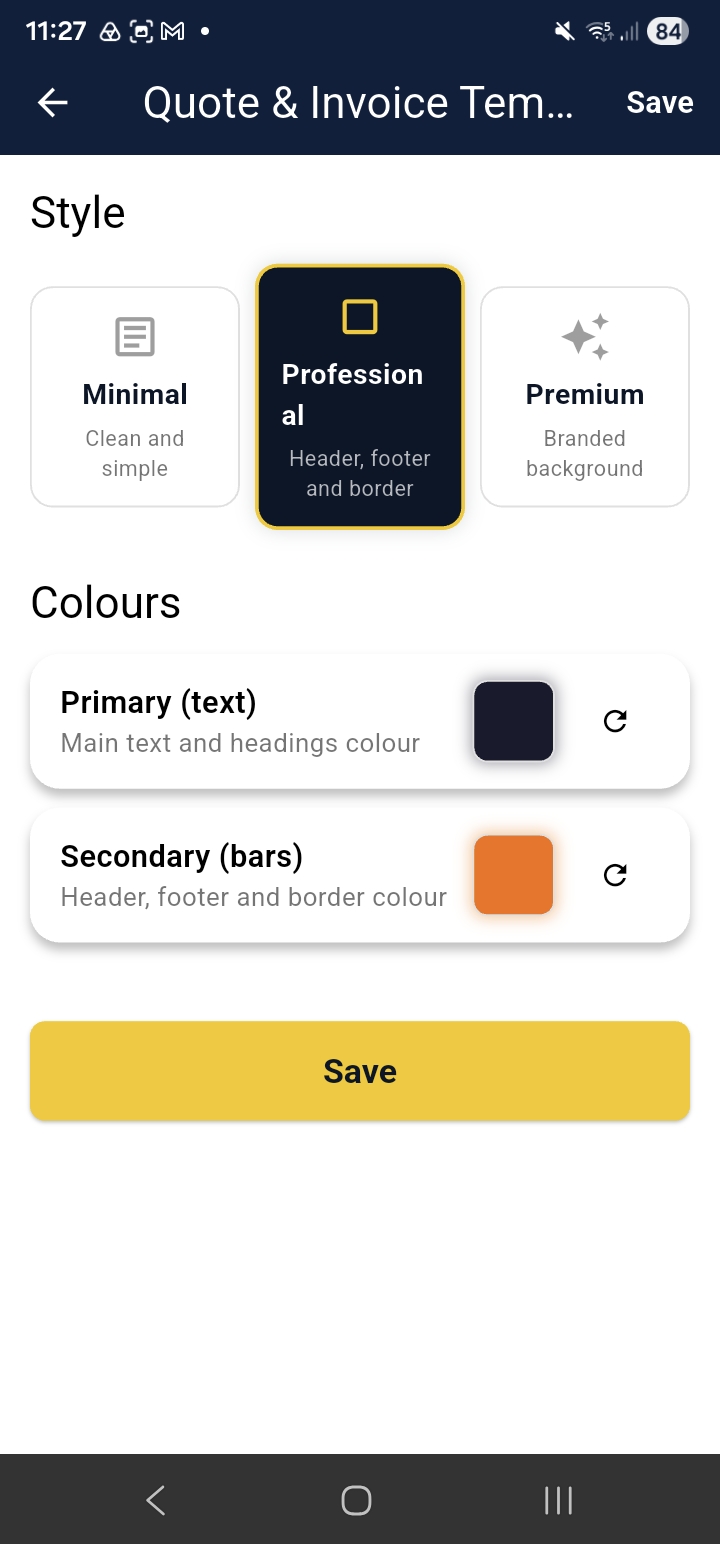
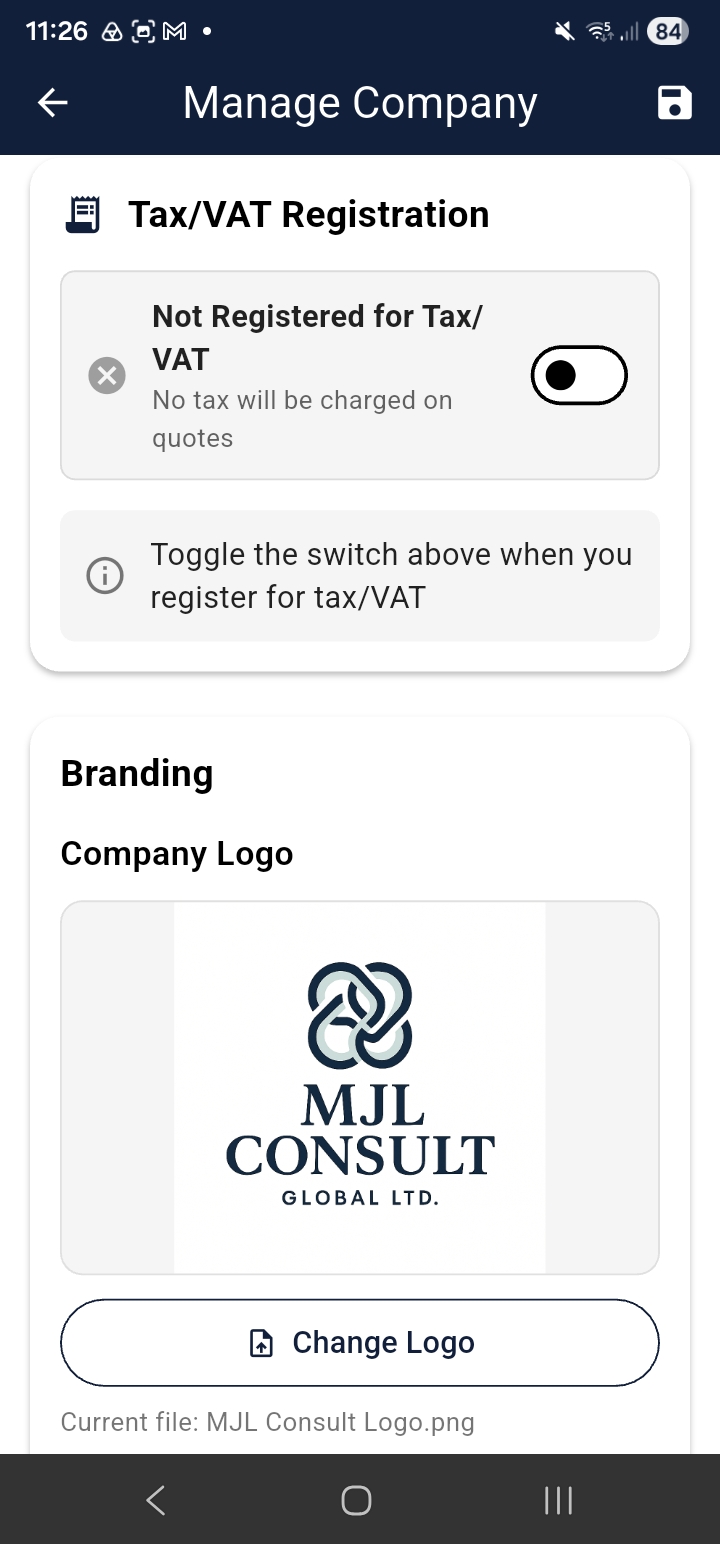
Upload your company logo (JPG, PNG, or GIF, max 5 MB). Your logo appears on all customer-facing quotes and invoices. You can also choose a brand colour applied to the PDF template header.
VAT / Tax Registration Pro Max
Enable tax registration to automatically add VAT (UK) or Sales Tax (US) to quotes. After enabling:
- Enter your VAT or Tax registration number
- CoreQuote validates it against HMRC (UK) or the appropriate authority
- Validated numbers display a green “Verified” badge
Tax can be disabled at any time — your number is retained for reference. Pro and above required →
Notifications
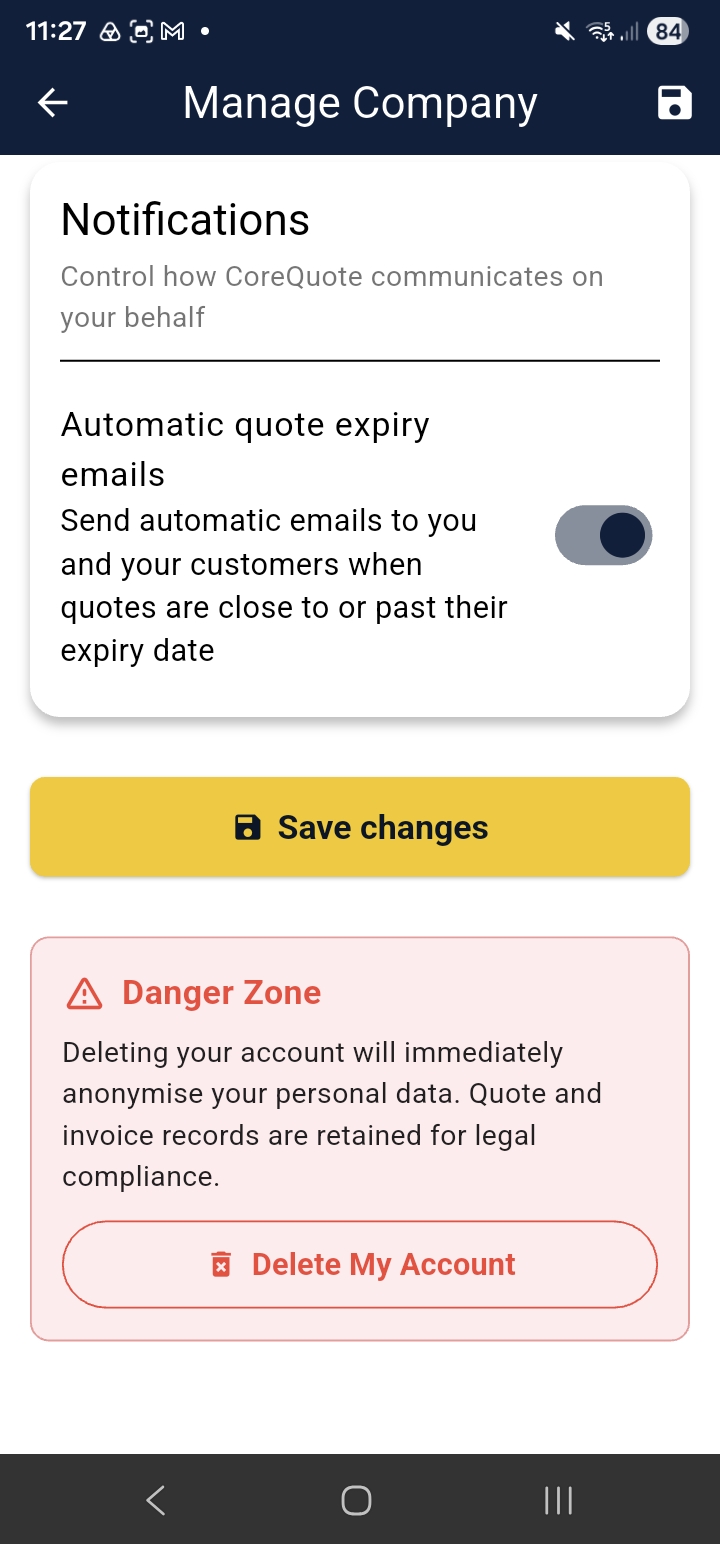
Toggle automatic quote expiry emails on or off. When enabled, CoreQuote sends reminders to you and your customer when a quote is approaching or past its expiry date.
Language & Currency
CoreQuote supports 34 languages and many currencies including GBP, USD, EUR, and more. Your default currency is set in the Setup Wizard and can be changed here at any time. The currency shown on quotes and invoices reflects your selection — customers cannot change this.
Delete Account
To delete your account and all associated data, go to menu → Manage Company → Delete Account. Personal data is removed within 30 days of the request.