
The Dashboard & Home Screen
The Home screen is your command centre in CoreQuote. Here’s what everything does.
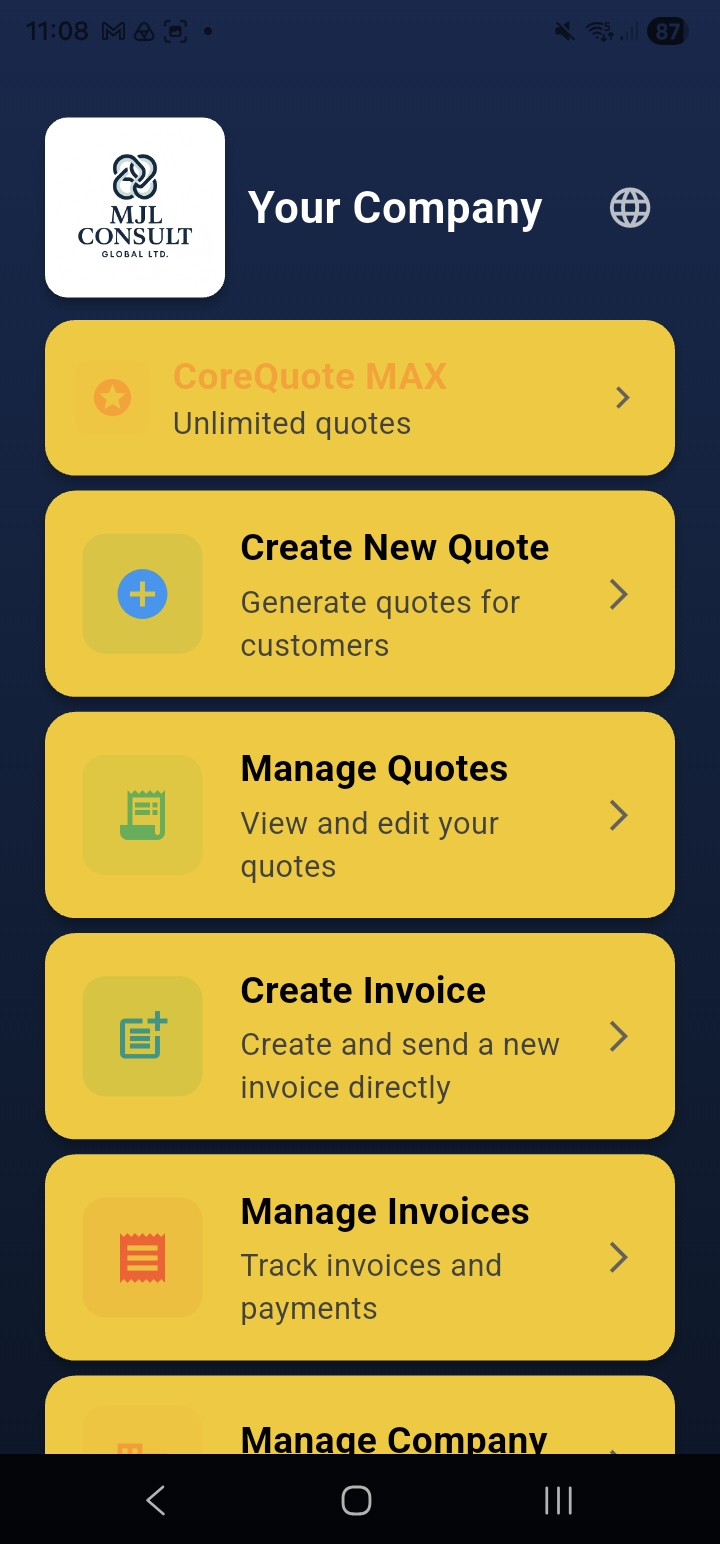
Main Navigation Tiles
- Manage Account — shows remaining quotes, opens your account page with referral link and upgrade options
- Create New Quote — opens the quote builder
- Manage Quotes — view, edit, send, or delete existing quotes
- Create Invoices — create a standalone invoice without a quote
- Manage Invoices — track invoices and record payments
- Manage Company — update your company profile, branding, banking, and tax settings
- Manage Materials, Products & Rates — your pricing library
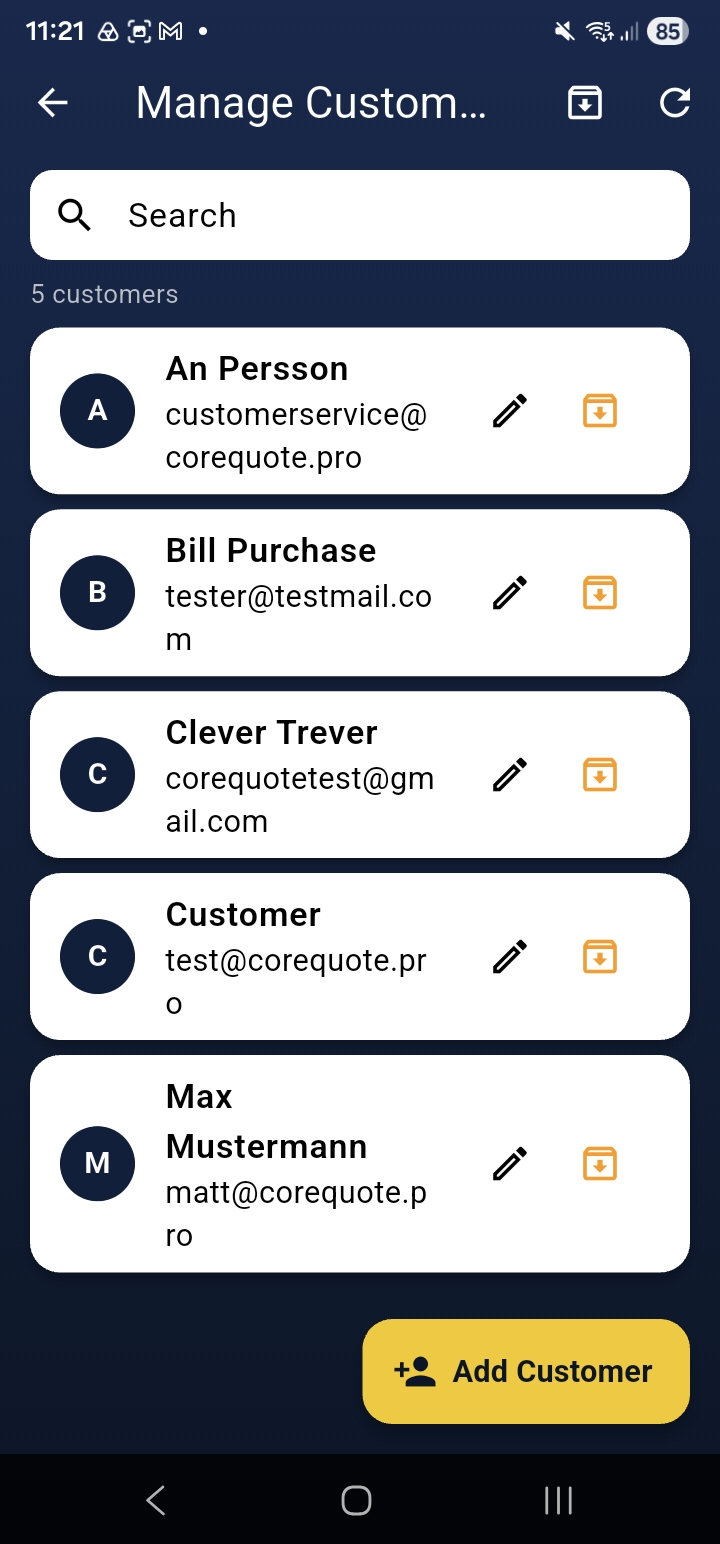
- Manage Customers — edit and archive customer records
- Manage Users — invite team members and set permissions Pro Max
- Integration Hub — import price lists and view accounting integrations
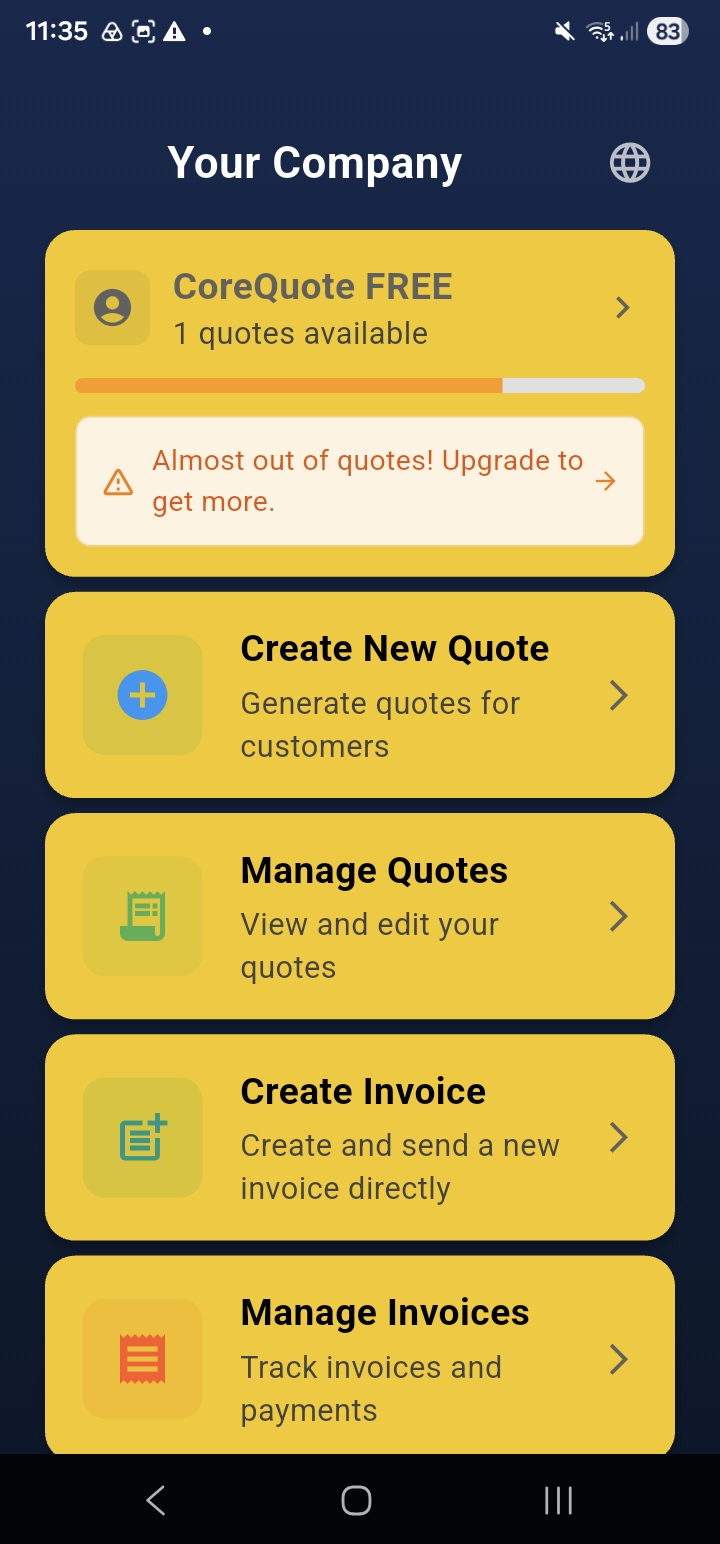
Banners & Alerts
CoreQuote shows contextual banners on the home screen:
- Yellow banner — your quote allowance is running low. Tap it to upgrade or view usage.
- Orange banner — you’re offline. The app is serving cached data; all changes will sync when you reconnect.
Changing Language
CoreQuote supports 34 languages. Tap the language menu in the top-right of the Home screen to change the display language. This is a per-device setting — it doesn’t affect the language of quotes sent to customers.